FreeCAD features: what this free CAD software can do
An overview of the tools you get for free, and where to learn each of them.
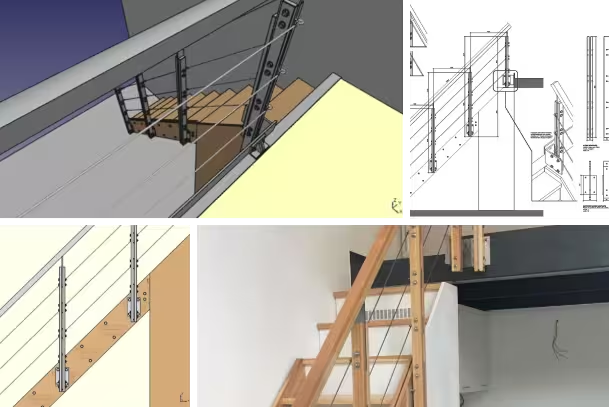
Real units, real dimensions
Everything in FreeCAD is measured in real units: millimetres, inches, metres or a mix. You design a bracket at its true size, export it for a 3D printer or CNC machine, and it fits. Bills of materials and quantities come straight from the model.
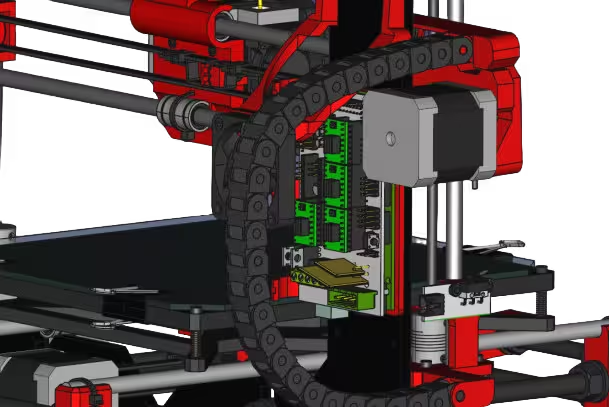
Exact solid geometry, not just meshes
Under the hood FreeCAD uses the Open CASCADE geometry kernel, the same kind of technology found in commercial CAD software. That means true solids, precise curves (NURBS), clean Boolean operations and fillets, and models you can send to manufacturers as STEP files.
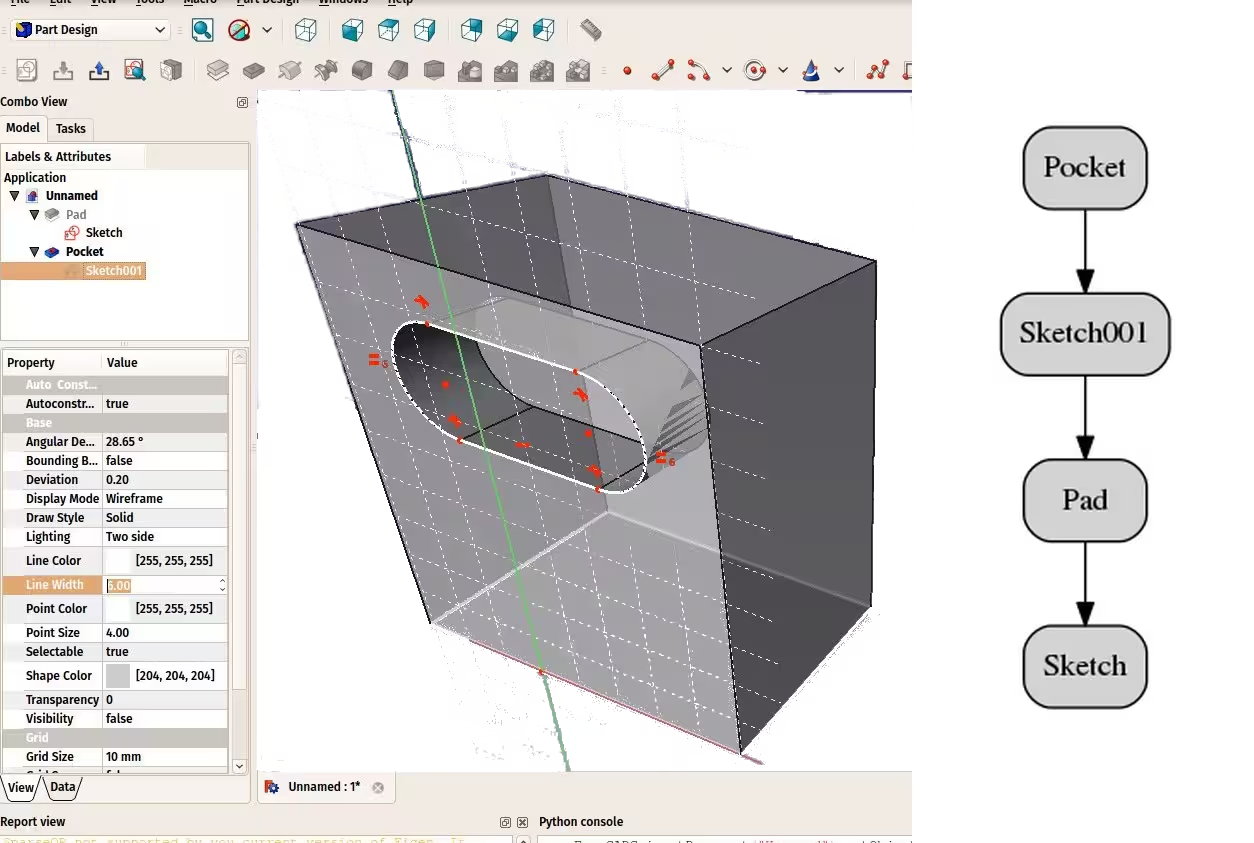
Parametric modeling: change one value, update everything
Each object stores its dimensions as properties. Change a number and FreeCAD recalculates every feature that depends on it. Link values with formulas or a spreadsheet to make whole product families from one model. See how constraints work.
Assemblies that move
Since version 1.0, FreeCAD includes an Assembly workbench. Put parts together with joints such as fixed, revolute and slider, then drag or animate the mechanism to check clearances and motion. Community assembly add-ons are still available if you prefer a different workflow.
BIM tools for architects
The BIM workbench brings walls, windows, slabs, structures, sections and IFC import and export. It is a free option for building design, renovation plans and coordination with other BIM software.
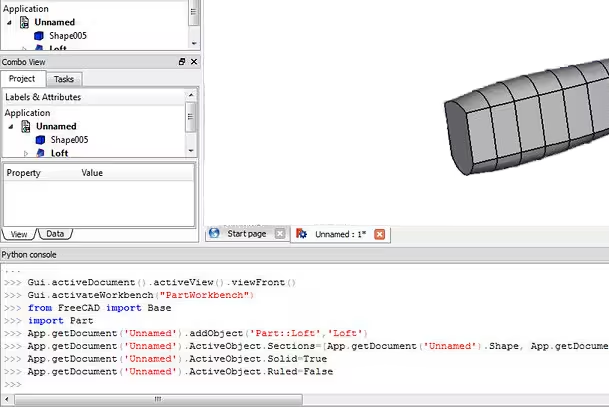
Automate anything with Python
FreeCAD itself is scriptable: almost every button has a Python command behind it. Record a macro, generate parts from a list of sizes, or write your own tools and workbenches. Our Python scripting guide shows the first steps.
Works with dozens of CAD file formats
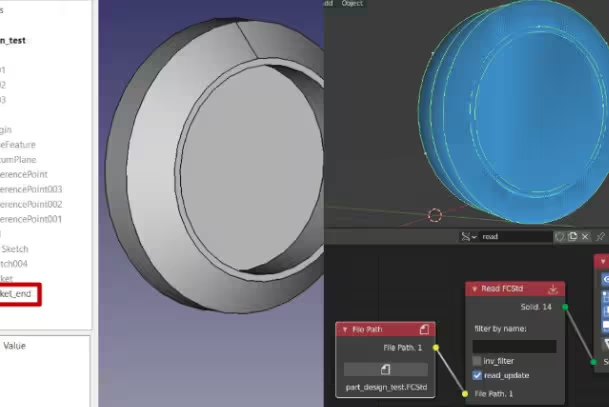
Exchange models with other programs through STEP, IGES, STL, OBJ, 3MF, DXF, SVG, IFC, DAE, OFF, NASTRAN, VRML and OpenSCAD files. Its own format, FCStd, is open and documented, so your work is never locked in. DWG files open when the free ODA File Converter is installed.
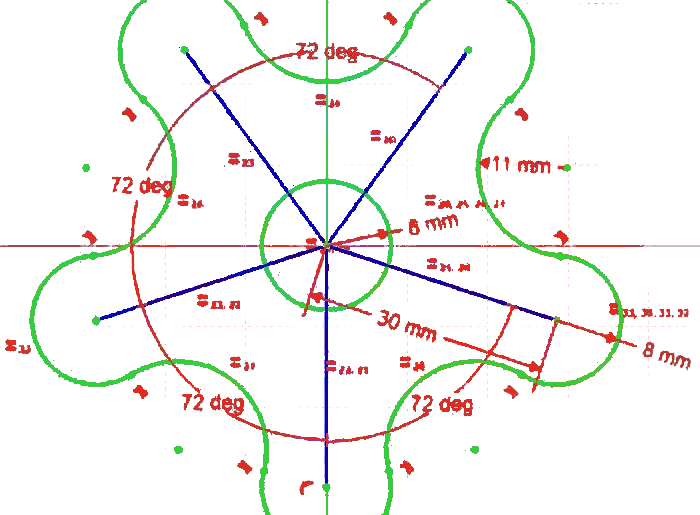
A 2D sketcher with real constraints
Draw a rough profile, then fix it with constraints: distances, angles, tangents, symmetry. A fully defined sketch turns green and never changes by accident. It is the foundation for parts in Part Design and many other workbenches. Practise it in the first part tutorial.
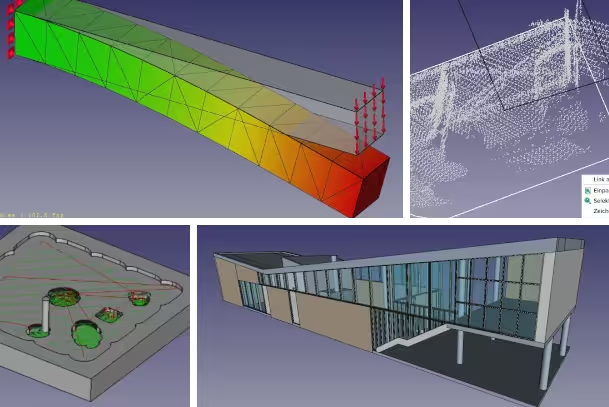
Tools for every discipline
Separate workbenches cover CSG modeling, 2D drafting, surfaces, architecture, 3D printing, CNC machining (CAM), point clouds, robot paths and finite element analysis. The Addon Manager adds more, such as sheet metal, gears and fasteners.
All workbenches explained Download FreeCAD
Open source, free forever
FreeCAD is developed by a worldwide community and released under the LGPL licence. There is no company that can raise prices, end a free plan or lock your files. You may use it for commercial work, install it on every computer and keep every version you like.
Versions and release notes
A new stable version of FreeCAD appears roughly once a year, with bug-fix updates in between. Our release notes overview lists every version with its date and the biggest changes, and the download page always has the current stable release.