
Free 3D CAD software for Windows, Mac and Linux. Design real parts with exact dimensions.

Free CAD software you can actually use for real work
Most free CAD programs come with a catch: hobby use only, public files, an online account or a limit on how many designs you can edit. FreeCAD has none of these. It is open source CAD software that you install on your own computer and use for anything, including paid client work and products you sell.
- No cost, no catchNo subscription, account or trial period
- Your files stay yoursSaved locally, export to STEP, STL, DXF
- Exact dimensionsParametric 3D design, not just shapes
- Grows with youFrom a first 3D print to engineering drawings
On this site you will find free downloads, honest comparisons and step-by-step guides written for beginners. New to CAD? Read Getting started, then model a real part in the first part tutorial.
3D CAD software that keeps up with your changes
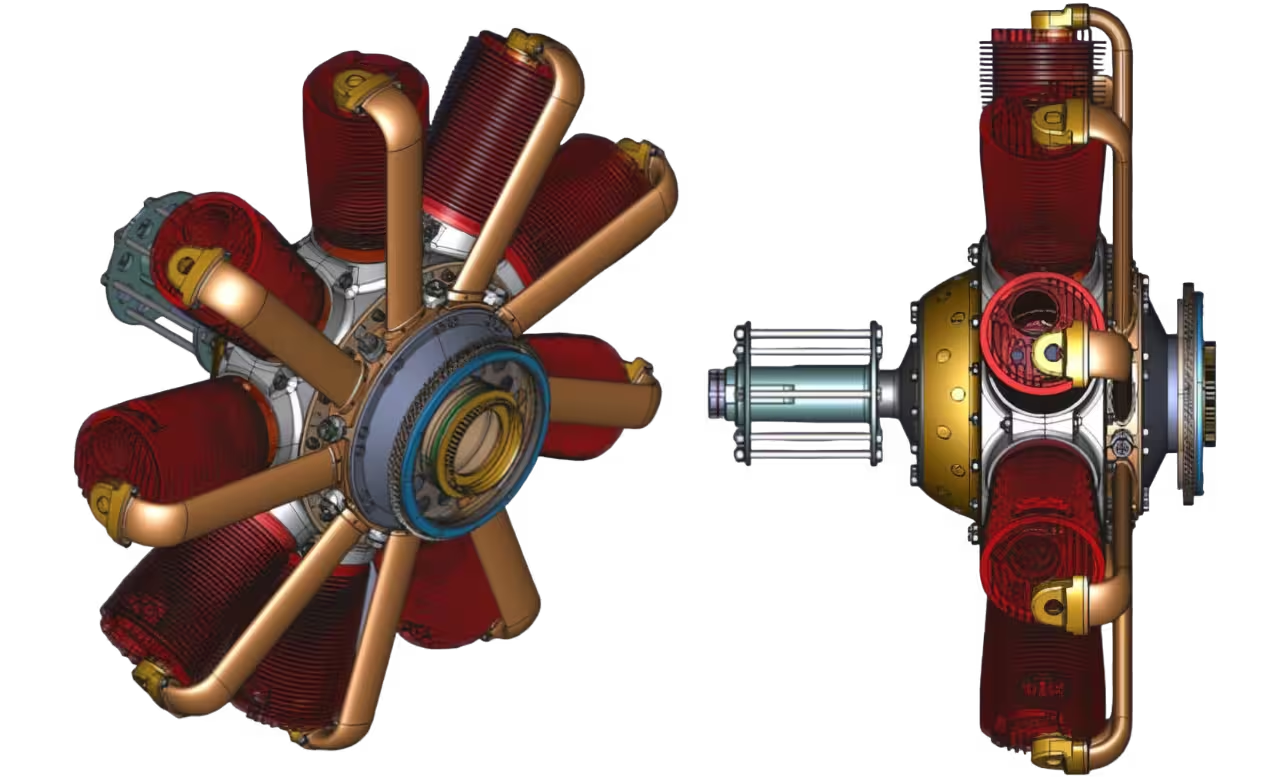
Designs change: a hole moves, a wall gets thicker, a part must fit a new motor. In FreeCAD every feature remembers how it was made, so you edit one dimension and the whole model rebuilds. No starting over, no redrawing.
From 2D sketch to 3D part to drawing
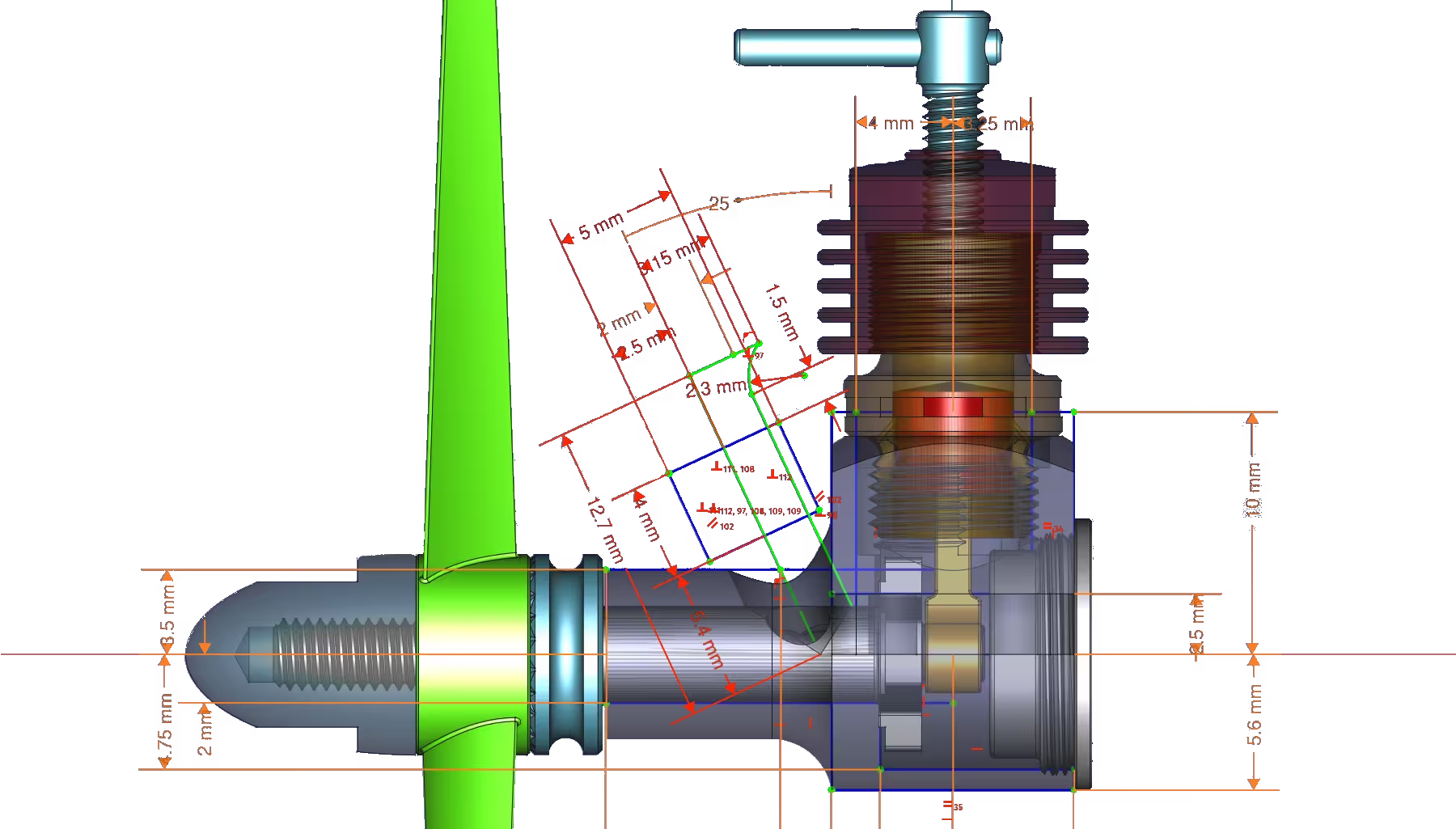
Start with a constrained 2D sketch, turn it into a solid, then let FreeCAD project the views for a dimensioned technical drawing. Need CAD drawing software for the workshop? Export the drawing as PDF or DXF. Learn how in 2D drawings with TechDraw.
Serious CAD design software, free
Moving mechanisms, complex assemblies, precise tolerances: FreeCAD handles engineering work that usually needs expensive computer aided design software. Combine parts with joints in the built-in Assembly workbench and check how they move before anything is made.
Free 3D modeling software for makers and students
Not an engineer? Neither are most FreeCAD users. People design 3D-printed gadgets, furniture, cosplay parts, school projects and even gingerbread houses. Our guide FreeCAD for 3D printing takes you from idea to printed part.
Opens the CAD files you already have
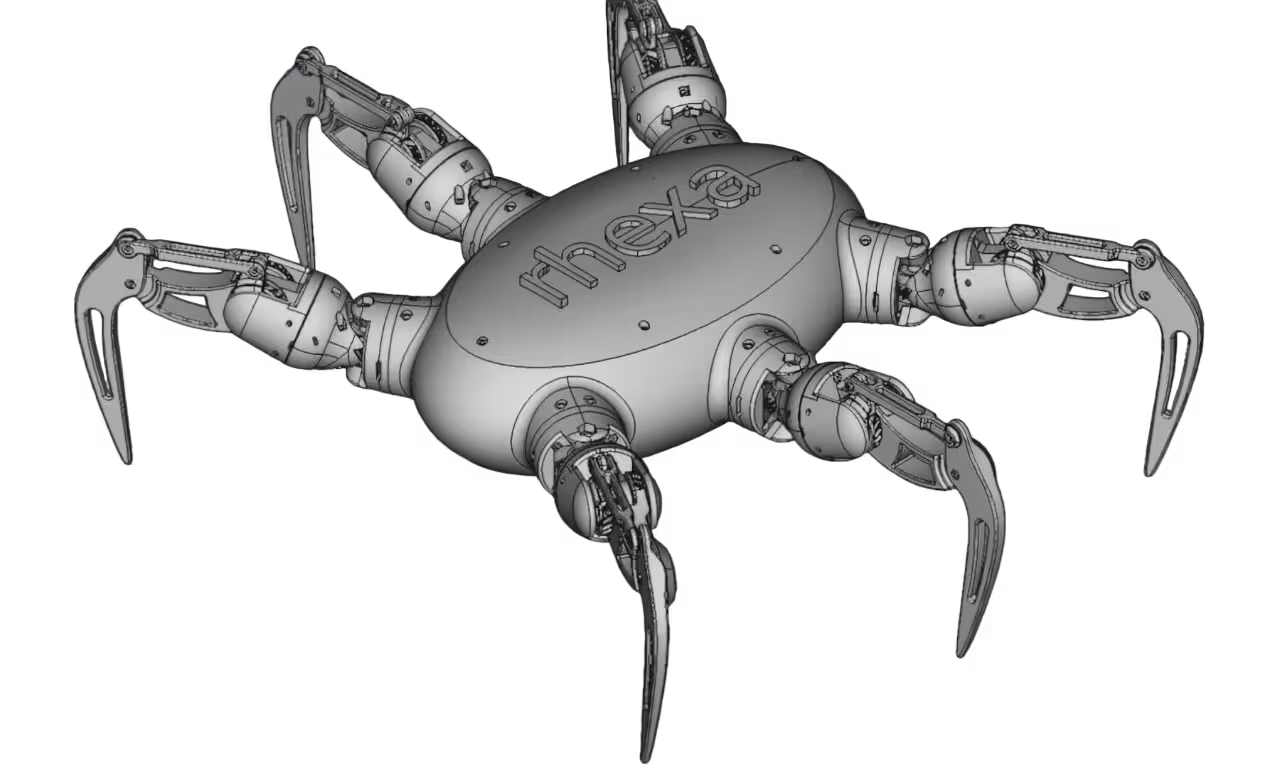
Received a STEP file from a supplier, an STL from a model website or a DXF from an architect? FreeCAD imports and exports all of them, plus IGES, OBJ, 3MF, SVG and IFC. It can even convert STL to STEP and SVG to DXF.
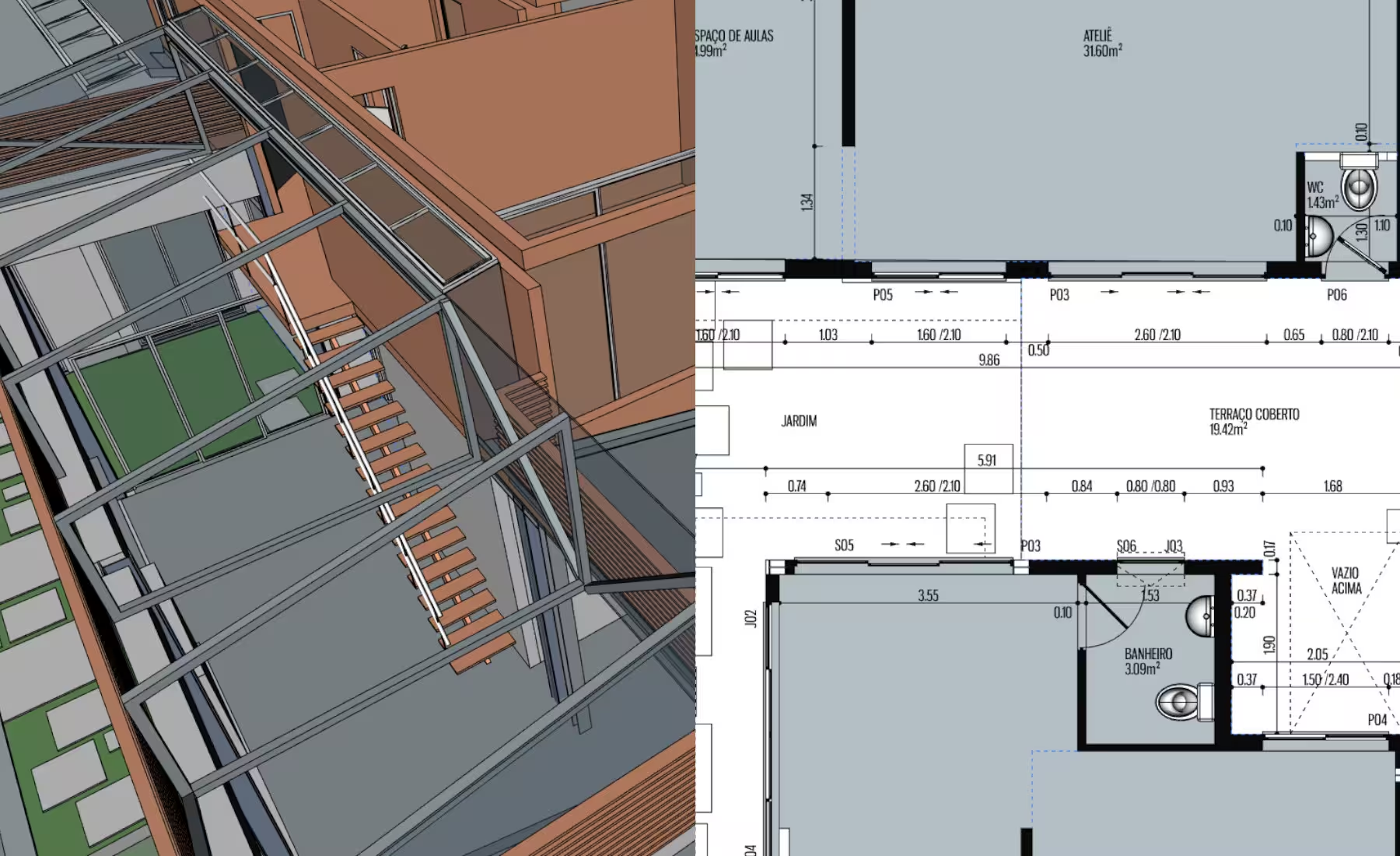
One program for parts, products and buildings
Instead of switching between several free CAD programs, FreeCAD bundles specialised workbenches: Part Design for mechanical parts, Assembly for mechanisms, BIM for architecture, TechDraw for drawings and Mesh for 3D printing files.
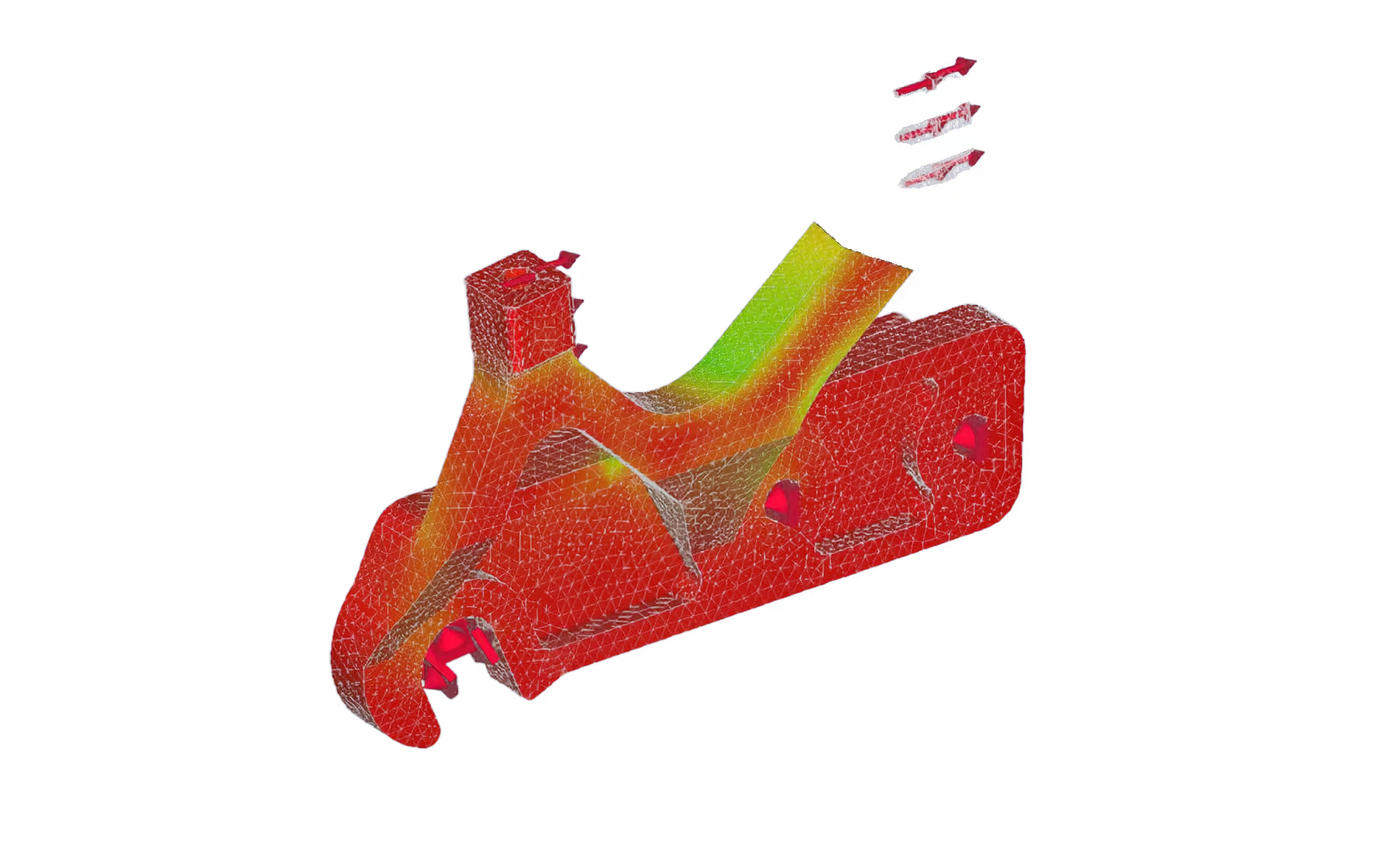
Test it before you make it
Check where a part bends or breaks with finite element analysis, create tool paths for CNC machines in the CAM workbench, or automate repetitive work with Python. Not sure what FEM is? Start with What is FEM?
See all features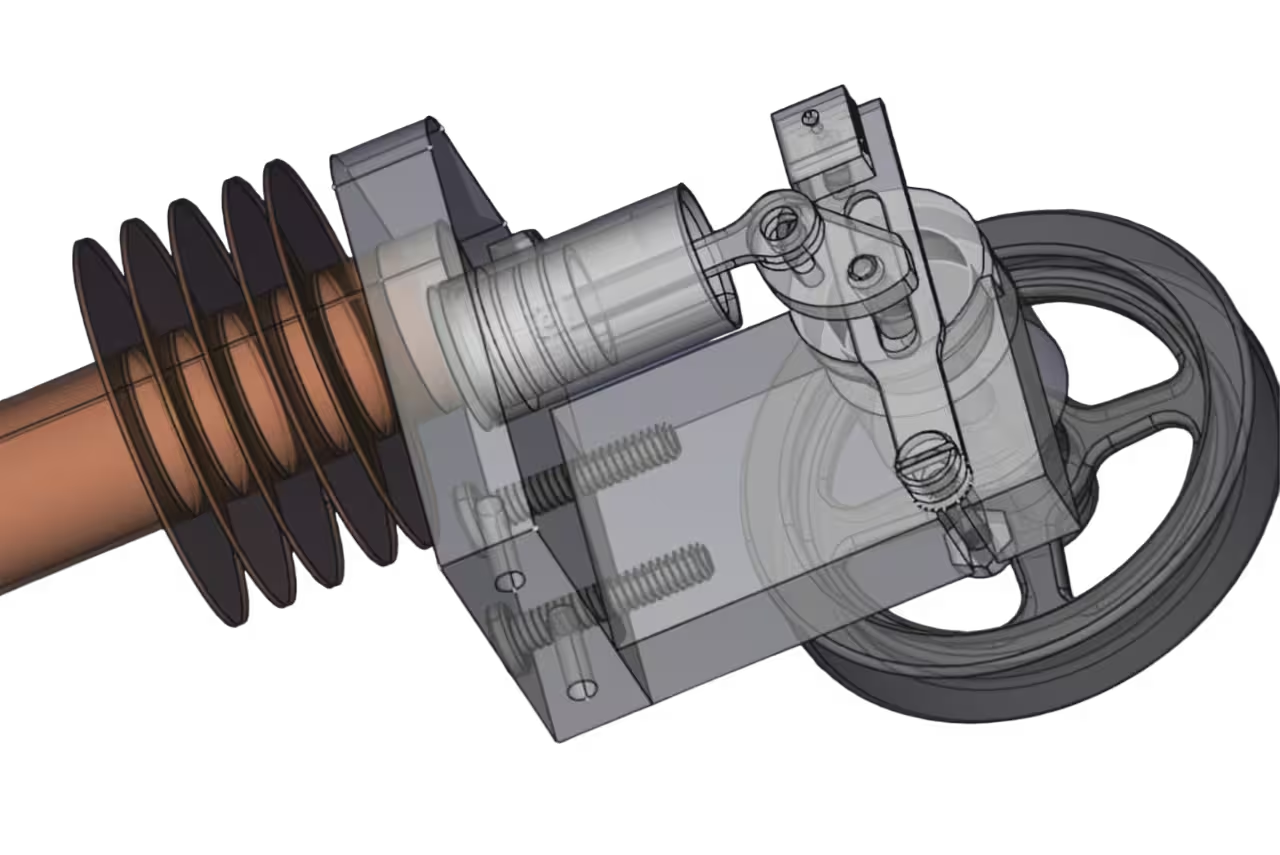
Learn FreeCAD step by step
FreeCAD is powerful, and the first hours can feel unfamiliar. That is why we write short, tested guides for beginners: installing, the interface, your first part, sketch constraints, 3D printing and file conversion. Clear steps, no jargon.
Browse all guides